Resource centre
FeedOps Learning
Practical guides, clear explainers and troubleshooting resources for better product feeds and stronger Shopping performance.

Merchant Center Excellence Report
Turn Google’s MEX report into a commercially prioritised plan for approvals, targeting, impressions, clicks and growth.
Open guideGoogle Shopping Feed Optimization
Improve product titles, attributes, product types, descriptions, Merchant Center health, and product-level monitoring.
Open guideGoogle Shopping Ads Management
Connect Shopping campaign structure, feed quality, zombie products, promotions, and measurement back to product data.
Open guideGoogle Local Inventory Ads Performance Max
Set up and optimise local inventory feeds, store codes, pickup data, Merchant Center validation, and local product measurement.
Open guideGoogle Free Local Product Listings
Show nearby shoppers in-store products, prices and availability across Google's local shopping experiences without paying for advertising.
Open guideGoogle Shopping Title Optimization
Use product title frameworks, examples, AI workflows, and feed QA to improve Shopping relevance and clicks.
Open guideGoogle Shopping Free Listings
Improve organic Shopping visibility with feed quality, Merchant Center checks, eligibility signals, and measurement.
Open guide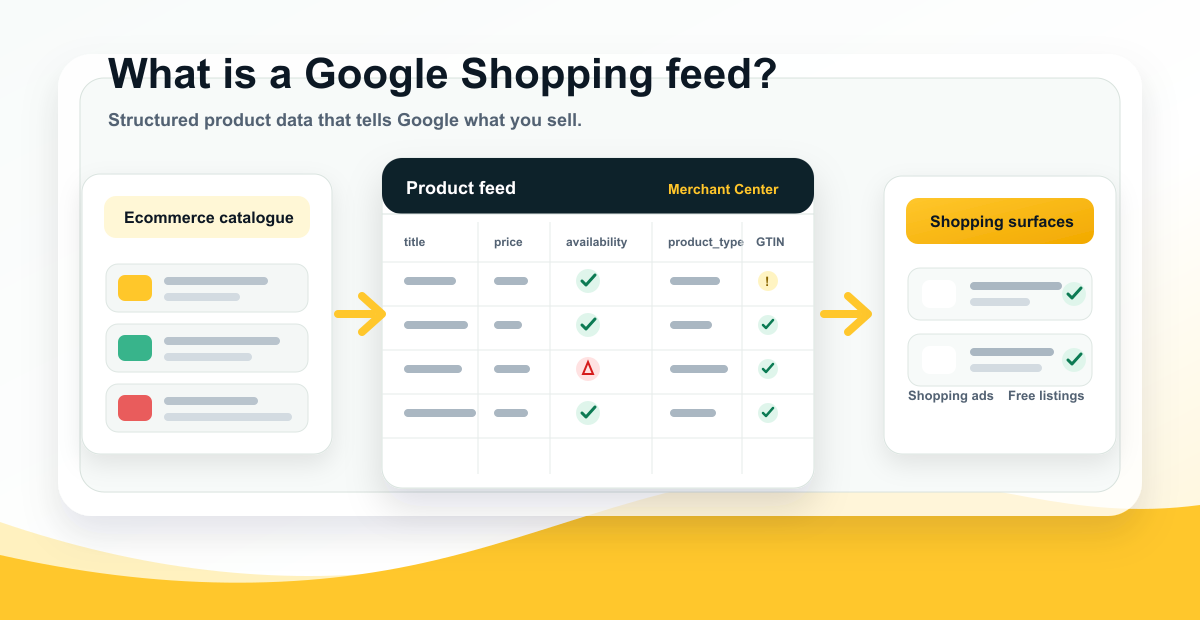
What Is a Shopping Feed?
Learn what a shopping feed is, what product data it contains, and how Google Shopping feeds power Merchant Center, ads, and free listings.
Open explainerGoogle Product Highlights
See what Product Highlights are, how to add them, and what FeedOps found when highlights were analysed across matched products.
Open explainerGoogle Shopping Graph
Understand how product feeds, structured data, product pages, and Merchant Center data support AI shopping discovery.
Open explainerProduct Type Google Shopping
Learn how product_type works, why deep descriptive product types matter, and how they support long-tail Shopping relevance.
Open explainerGoogle Product Category
Separate Google's auto-assigned category taxonomy from your own product types, and know when to check or override it.
Open explainer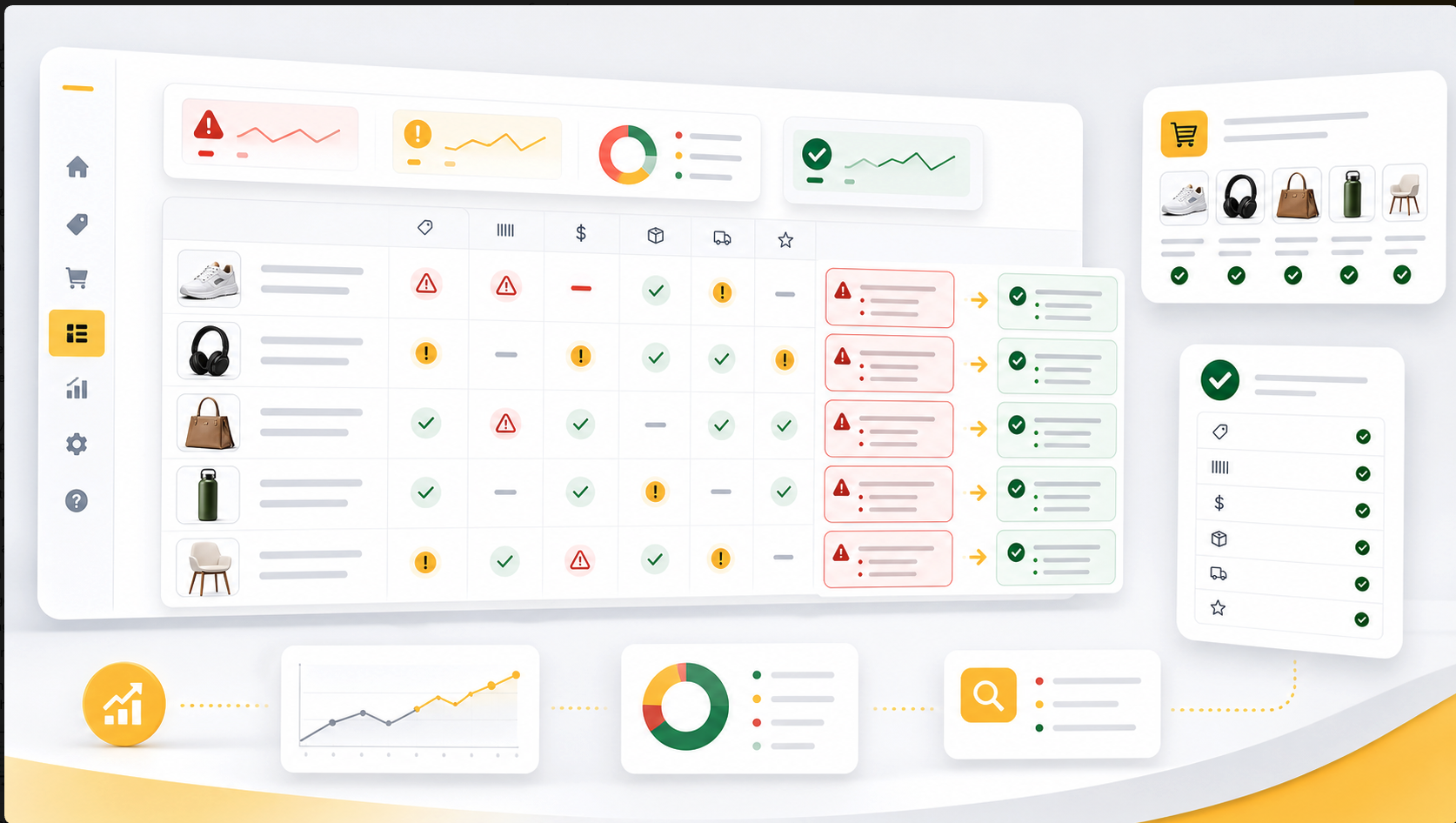
Google Merchant Center Errors
Fix common Merchant Center issues including GTINs, identifier_exists, price mismatch, shipping, review delays, and suspensions.
Open troubleshootingGoogle Shopping Ads Not Showing
Diagnose products with no Shopping impressions across Merchant Center, Performance Max, listing groups, budgets, bids, and feed quality.
Open troubleshooting